Interactive demo
Experience Yarkon in Action
Explore how Yarkon makes Amazon S3 and S3-compatible storage easy to manage with a clean UI, strong security, and powerful controls.
Launch the DemoWhat's in the Demo?
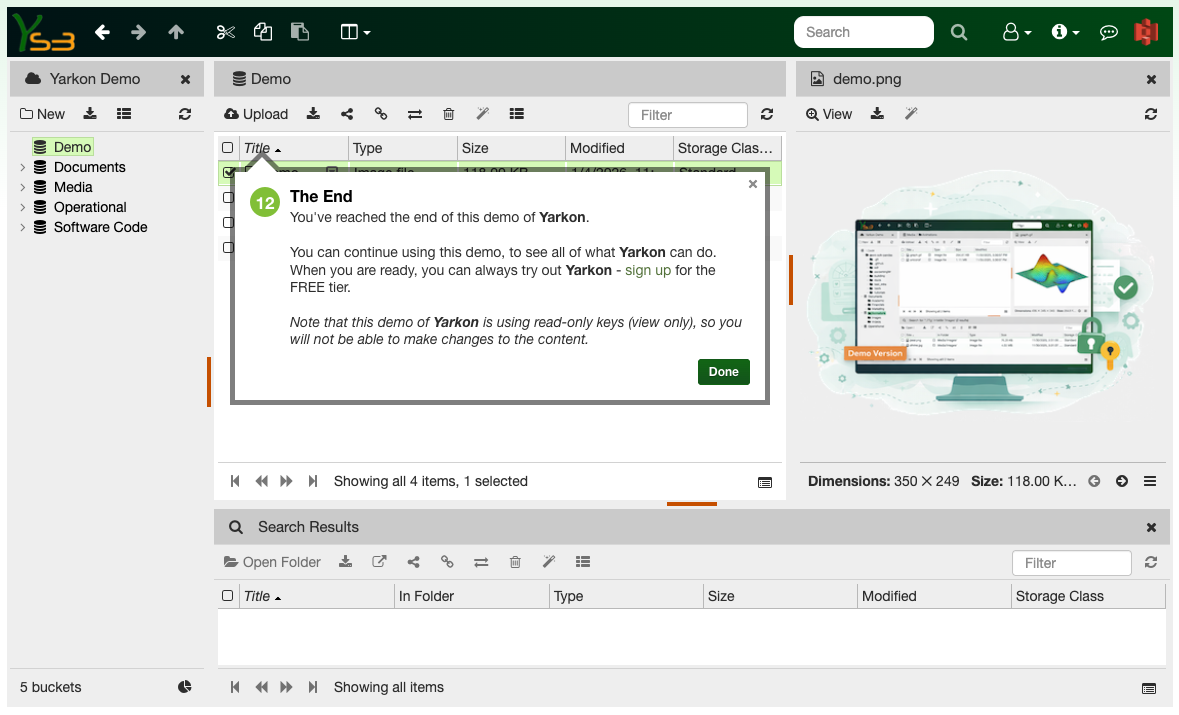
The demo application is the same software running Yarkon SaaS. For the demo, we use the server used by all our subscribers - we just created a new AWS account for this purpose, then used our Admin Console to limit the end users permissions to read only.
The demo application also shows how Yarkon handles end users bucket permissions - in this case, we only allowed access to the five buckets we designated for the purpose of the demo, out of the many buckets we have in the AWS account.
Note that we are using Yarkon's bucket naming feature here, so the actual S3 bucket names are not shown to the end user.
No Time for the Demo?
If you cannot spare a few moments to try the demo yourself, use this slide show instead - it shows actualt screenshots from the demo application, along with brief descriptions of what you are seeing.
Yarkon - File Explorer for S3
Yarkon uses the tried and true, familiar, file explorer interface, right in your web browser.
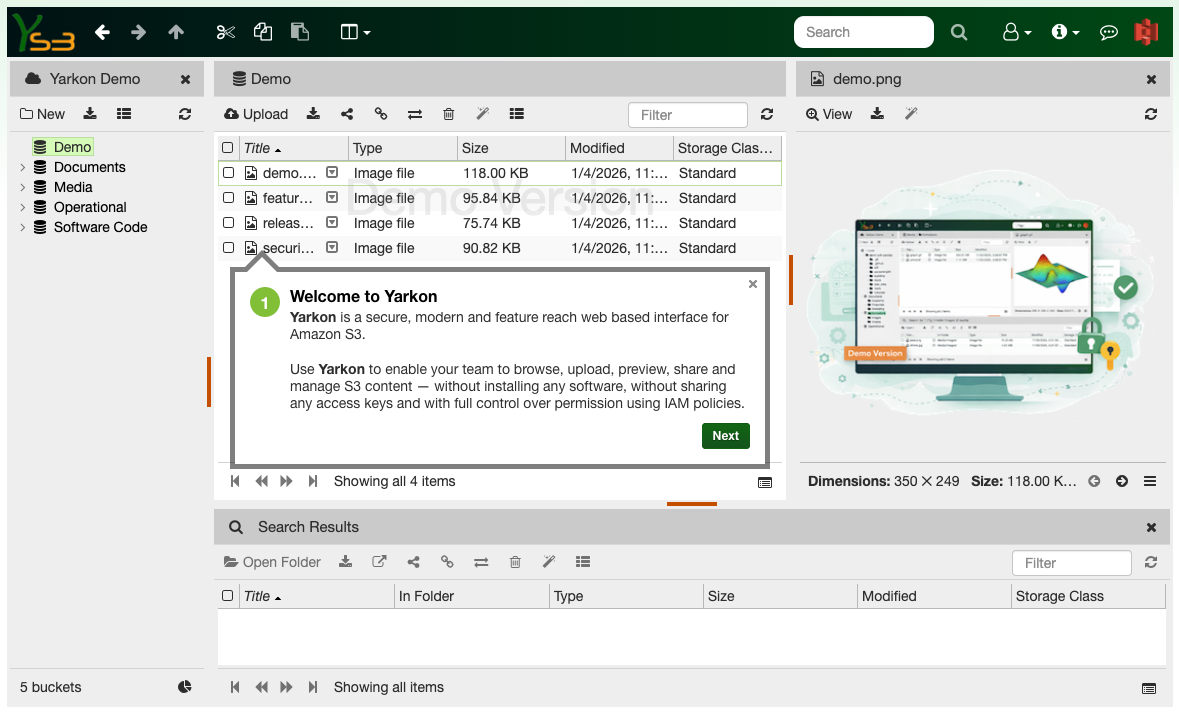
Documents are in the center
The main view shows the documents in a bucket or folder. All actions are supported.
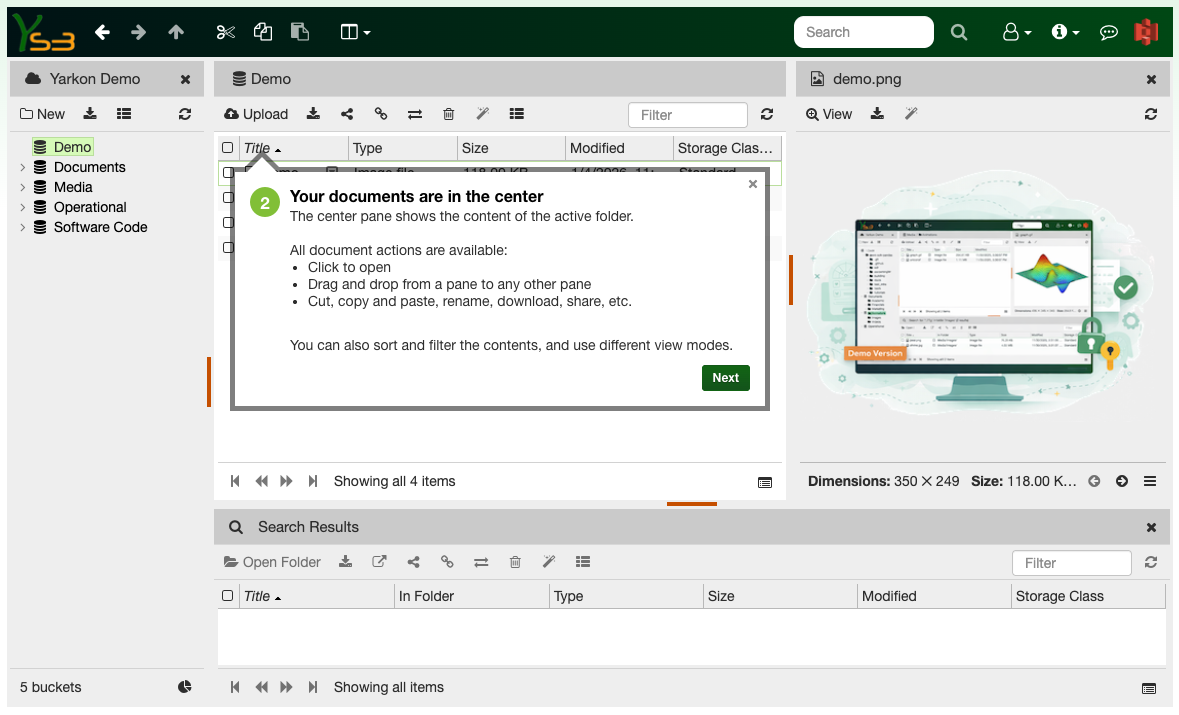
Bucket and folder hierarchy on the left
Access all your buckets and folders, collapse and expand to drill down.
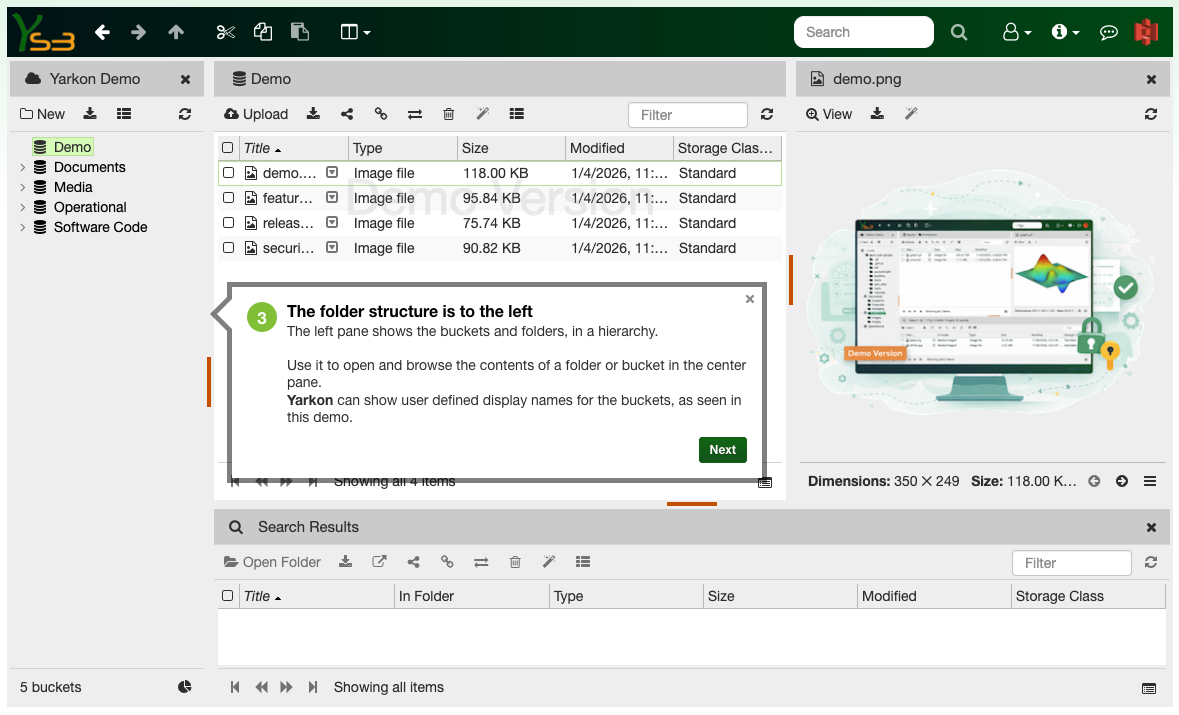
A search pane is at the bottom
It is fully functional, same as your main document view.
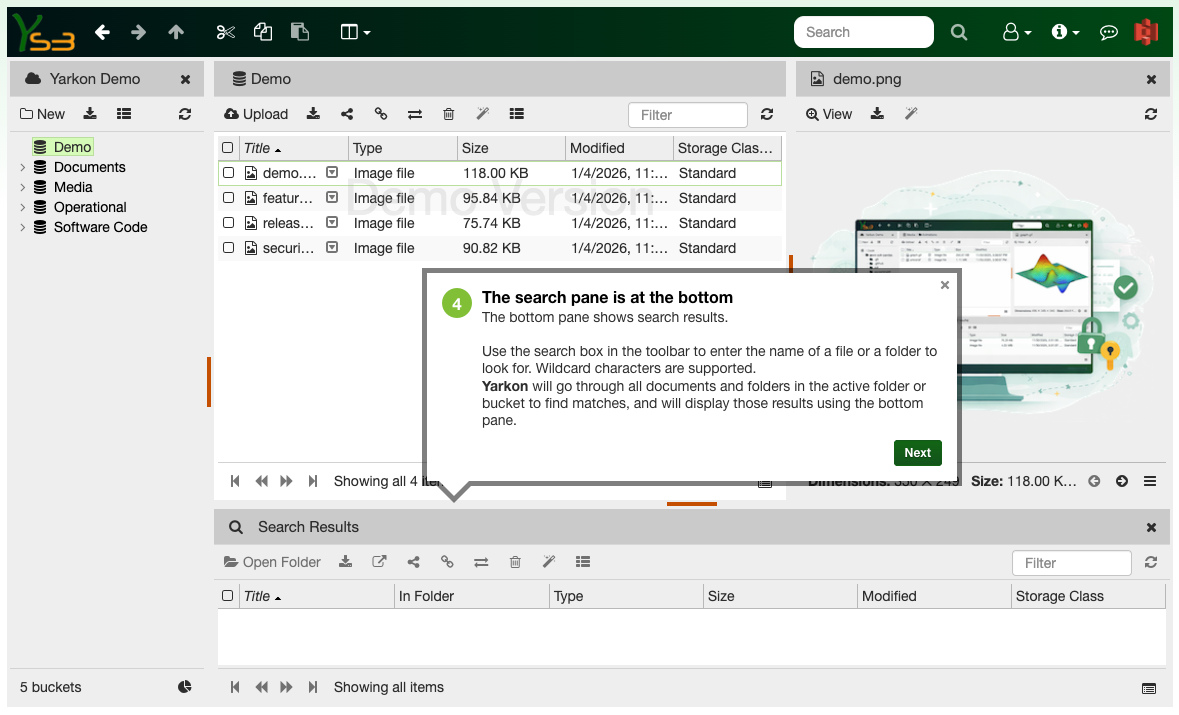
The preview pane is on the right
Use the preview to quickly see the content of common files, like PDFs, images and text.
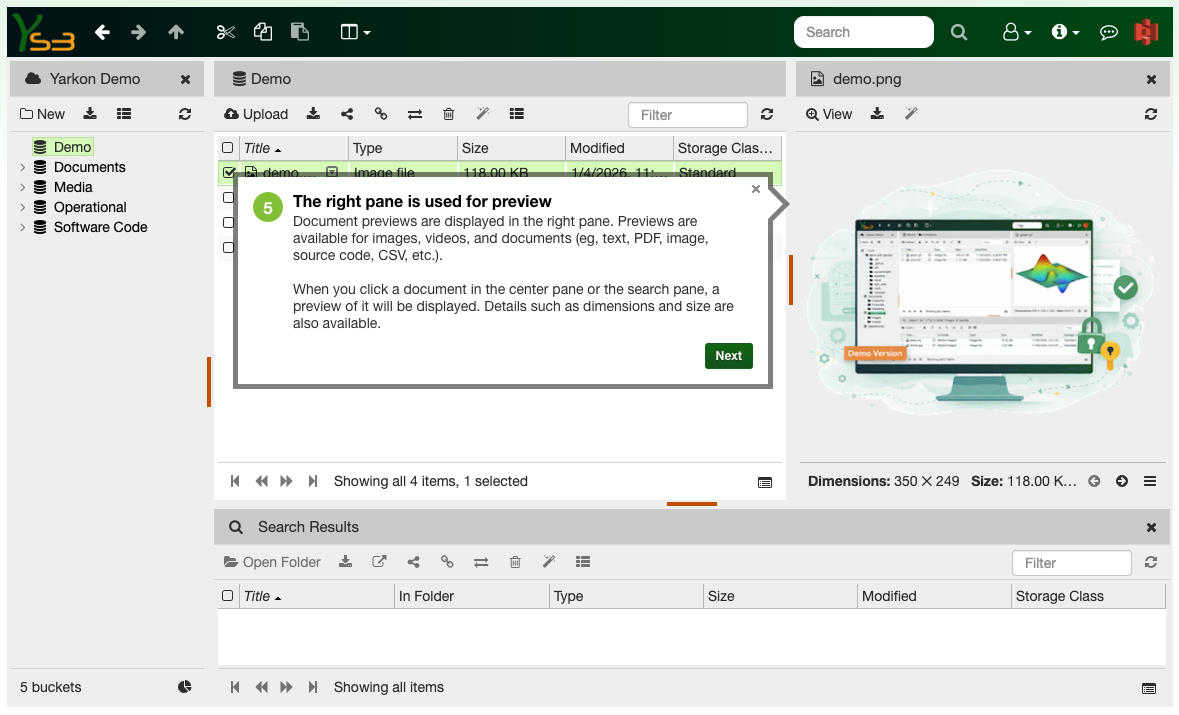
Manage the properties of your objects
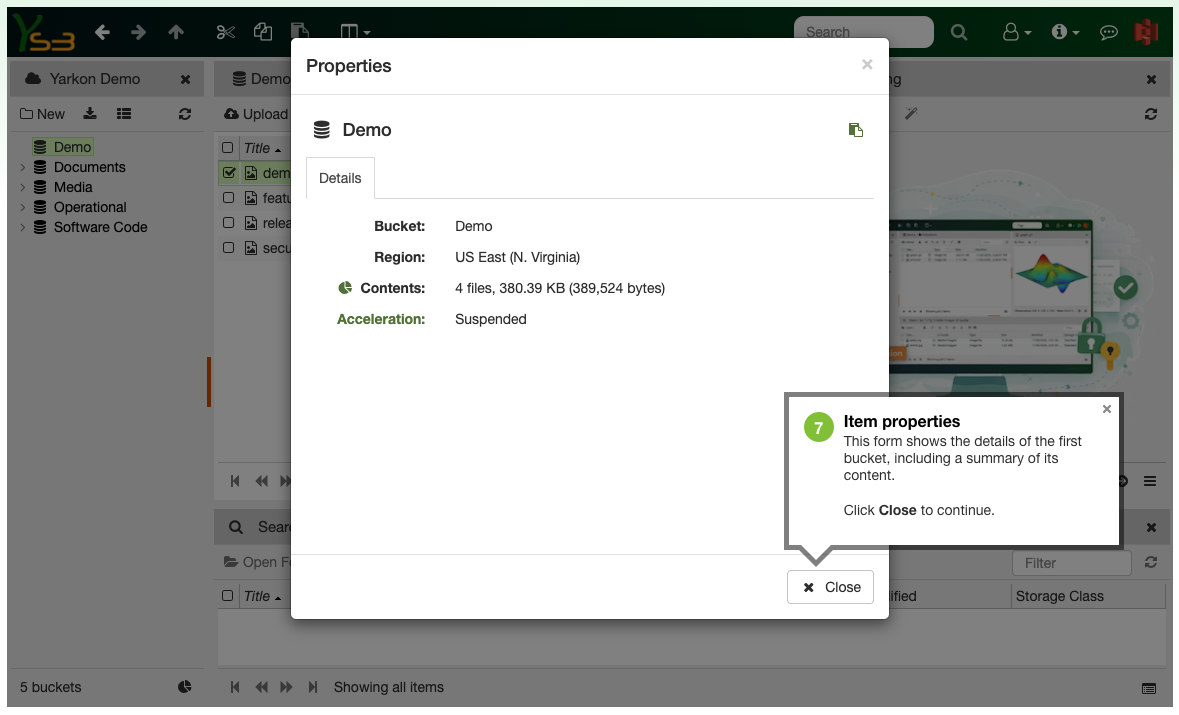
Use Yarkon to view and modify the properties of your buckets, folders and documents.
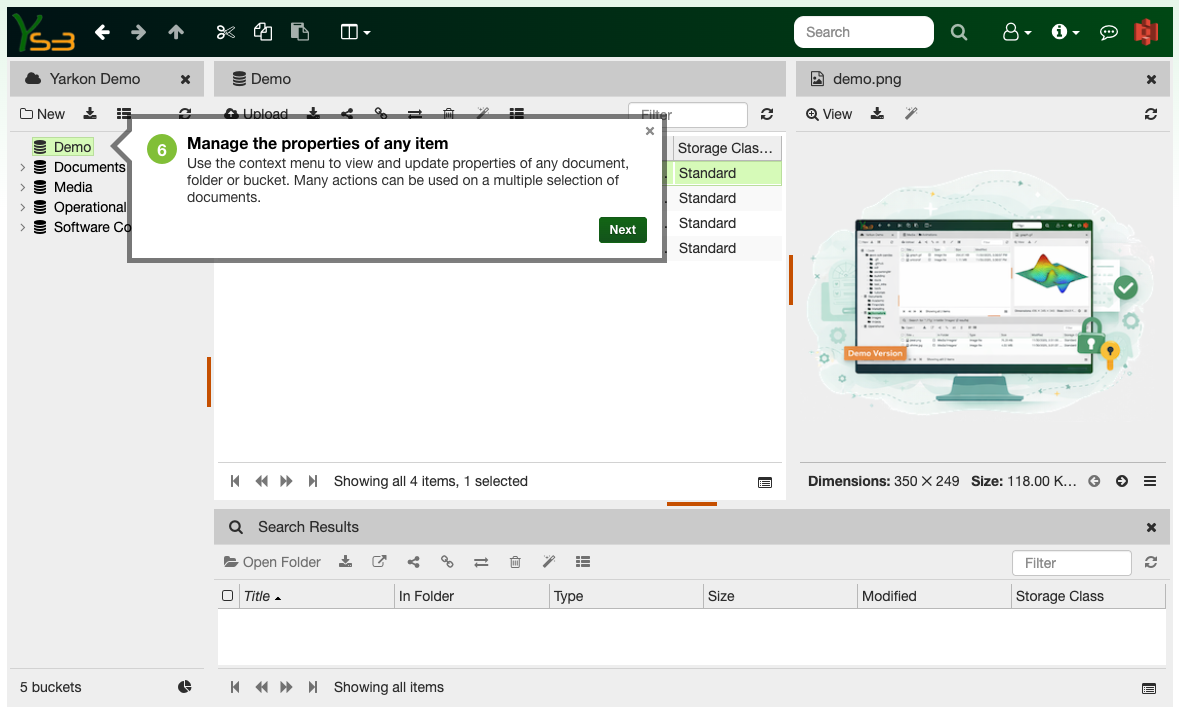
Each object has its own properties
The properties shown depend on the type of object and the user's permissions.
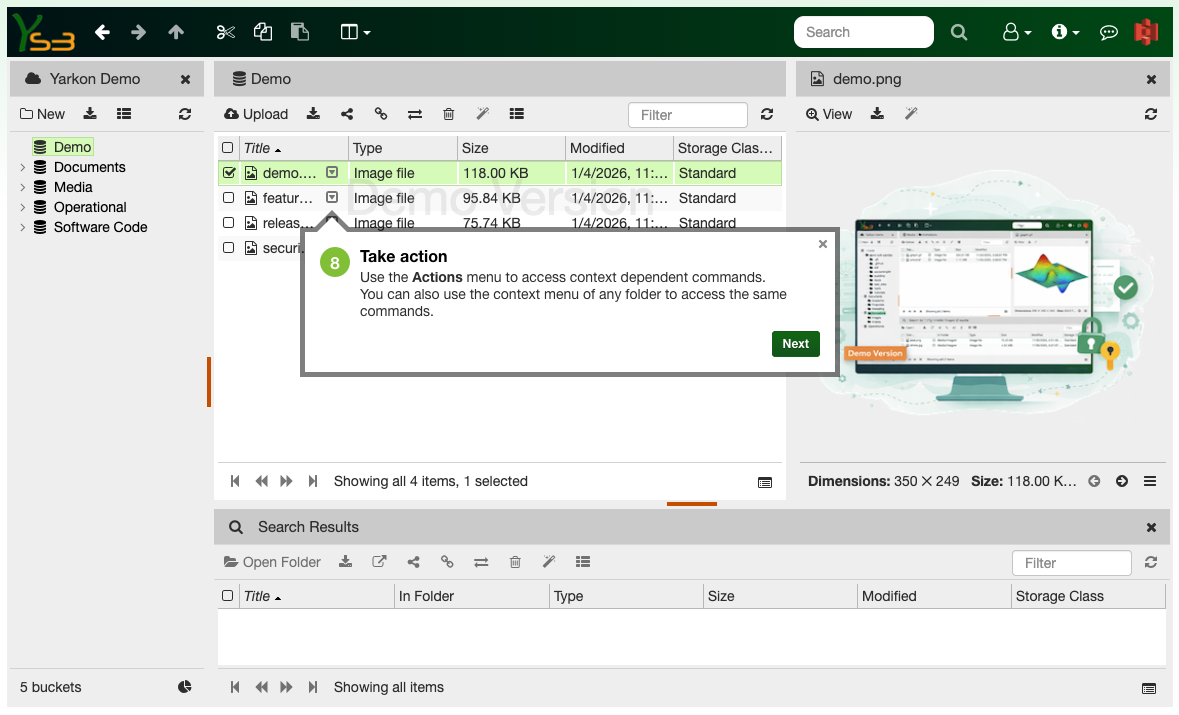
Take action using the context menu
The context menu is used to perform actions on objects, following user's permissions.
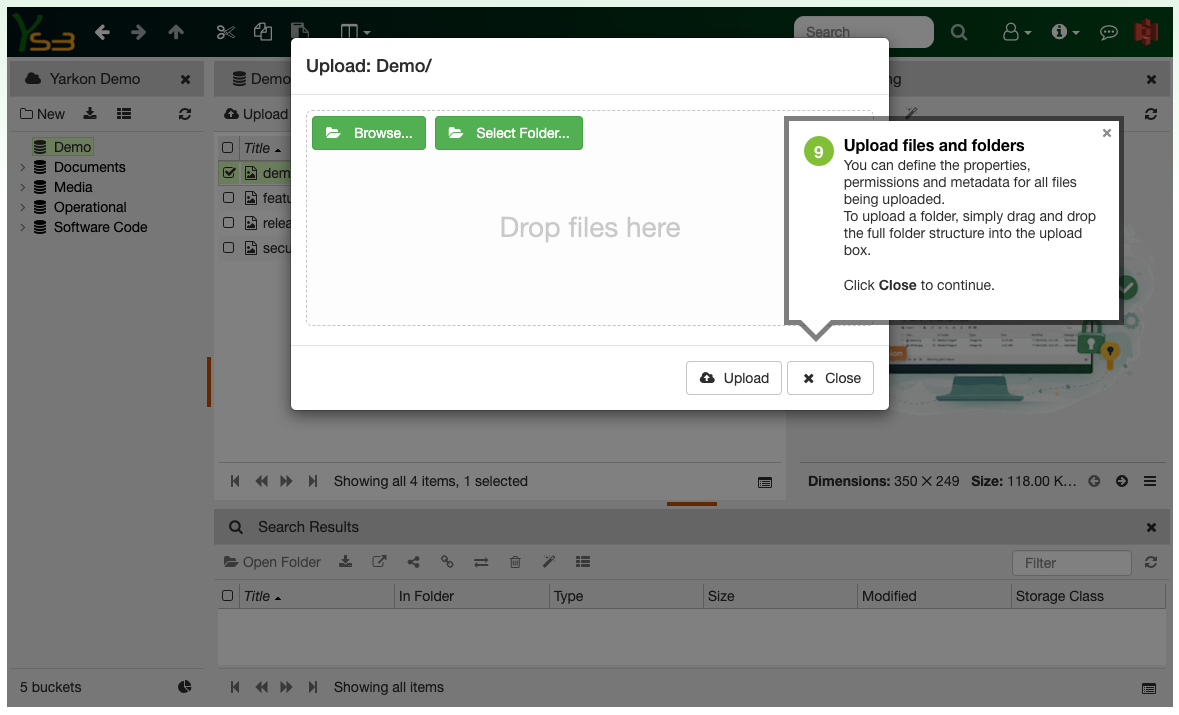
Upload and download files and folders
You can upload files or folders, and download full folders retaining their structure.
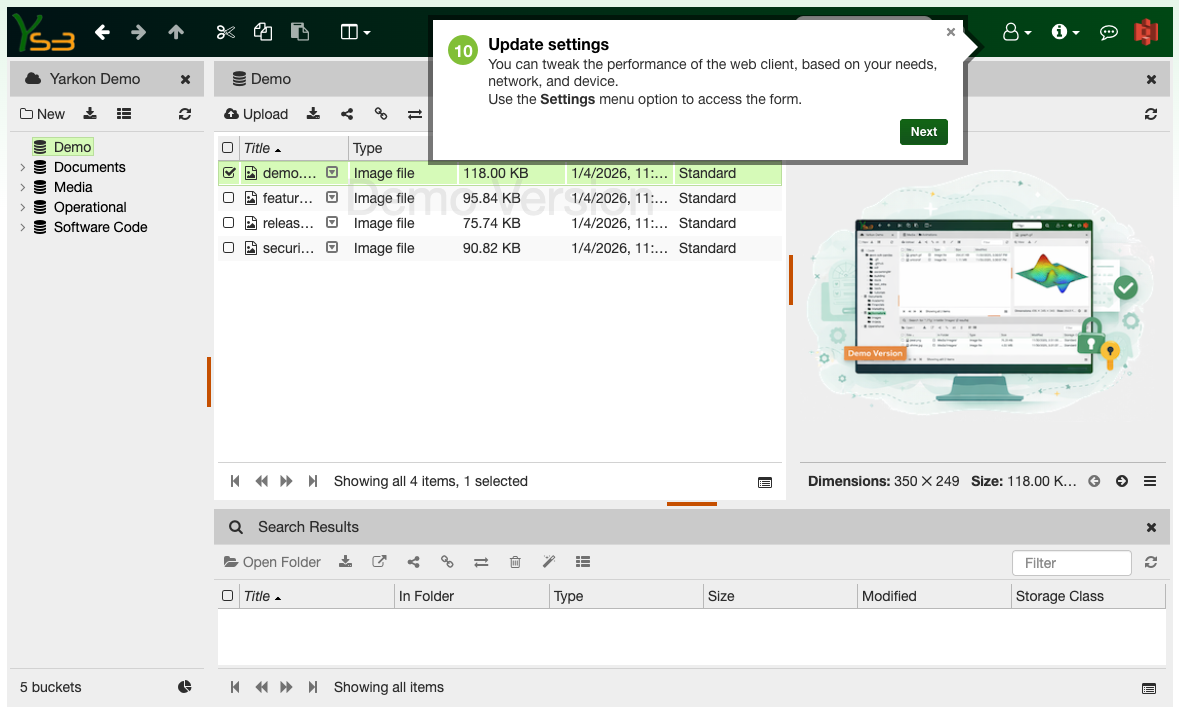
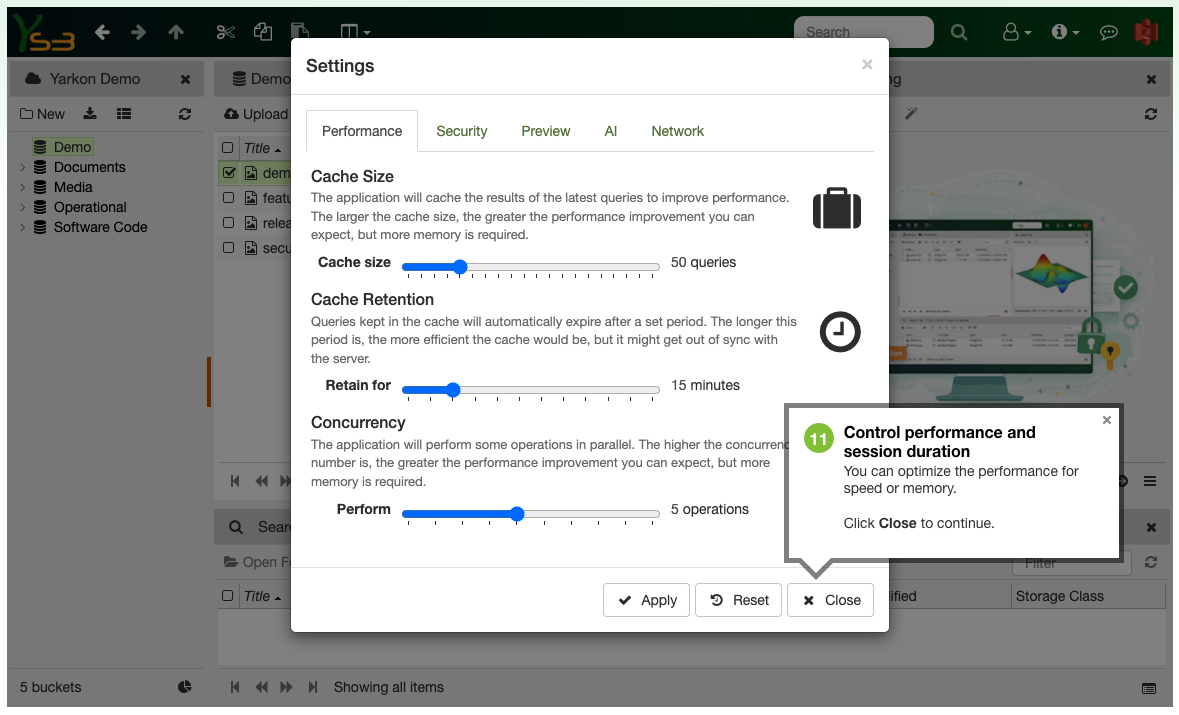
Flexible user settings
Users can access individual settings to manage their preferences.
Advanced network controls
Yarkon can be optimized for different network conditions.
This demo is fully interactive
Continue using this demo to explore everything Yarkon has to offer.